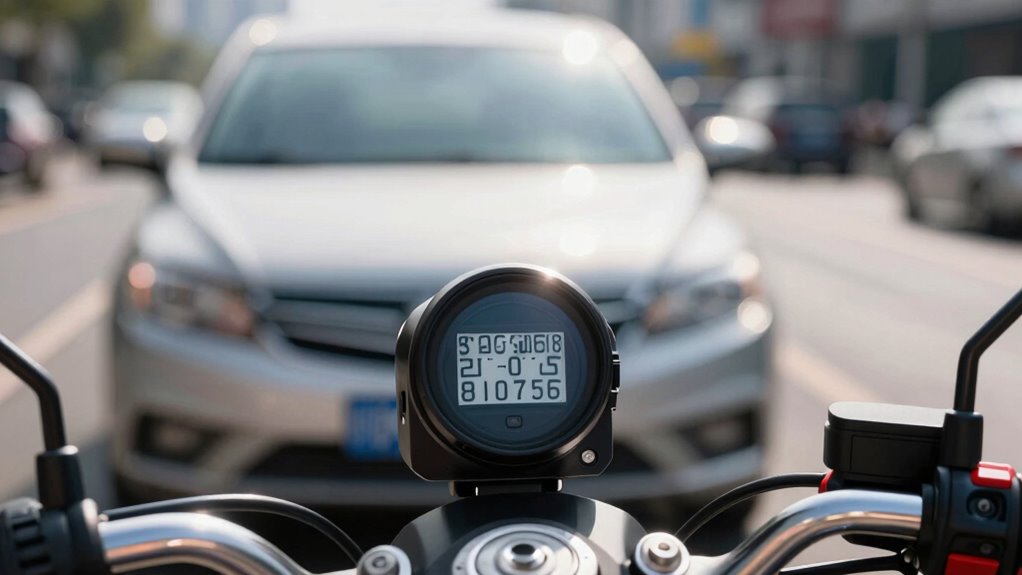
To capture license plates clearly, you need to optimize your dash cam settings for various lighting conditions. Use high resolution (at least 1080p), enable night mode, and adjust focus and exposure for sharpness. Keep your camera stable, clean the lens regularly, and position it to minimize glare. Balancing frame rate and sensor quality also assists. If you continue exploring, you’ll discover more tips to guarantee your footage is clear and reliable in any situation.

Get business pricing on garage and car supplies
- Business-only prices and quantity discounts
- Tax-exempt purchasing
- Multiple users, one account, clear invoices
Key Takeaways
- Use high-resolution (at least 1080p) cameras with good sensor quality for sharp license plate images.
- Enable night mode and infrared illumination to improve plate visibility in low-light or nighttime conditions.
- Adjust focus and exposure settings manually or automatically to ensure license plates are clear and not overexposed.
- Mount the dash cam securely, minimizing glare and reflections, and keep the lens clean for optimal clarity.
- Set frame rates around 30 fps to effectively capture fast-moving plates without motion blur.
How Do Dash Cams Capture License Plates in Different Lighting Conditions?

Capturing license plates in various lighting conditions can be challenging, but modern dash cams are designed to handle these situations effectively. Night vision technology enhances visibility in low-light scenarios, allowing your camera to pick up details even in darkness. Additionally, motion detection ensures the dash cam automatically activates when it senses movement, helping capture plates of moving vehicles regardless of lighting. These features work together to improve license plate clarity during night or poorly lit conditions. Night vision uses infrared or enhanced sensor technology to illuminate the scene without overwhelming glare, while motion detection ensures you don’t miss important footage when cars pass by at different times. Proper camera placement can also significantly impact the quality of license plate capture in various lighting environments. Moreover, advancements in sensor technology contribute to better image quality across different lighting conditions. Understanding how dynamic range enhances a camera’s ability to handle contrasting light levels further improves license plate visibility in challenging lighting situations. As technology continues to evolve, many dash cams now incorporate HDR imaging to further improve clarity in high-contrast scenes. Additionally, image processing algorithms play a crucial role in enhancing footage quality in diverse lighting conditions. With these capabilities, your dash cam can reliably record license plates in a variety of lighting environments.
Key Settings to Improve Plate Legibility (Exposure, Focus, Resolution)

To guarantee license plates are clear and legible, adjusting key camera settings like exposure, focus, and resolution is essential. Proper camera placement ensures plates are within the field of view and best lit. When tweaking settings, consider legal considerations to avoid violations. Focus on these key adjustments:
- Set exposure to prevent overexposure or underexposure, ensuring plates are visible
- Use high resolution to capture detailed images of license plates
- Adjust focus to keep plates sharp, especially when moving
- Position your camera for the best angle, minimizing glare and obstructions
- Take into account Safe Camera Placement concepts to optimize camera placement and settings for the best results. Additionally, understanding how camera specifications influence image quality can help you choose the right equipment for your needs. Being aware of lighting conditions also plays a vital role in capturing clear images under various riding environments.
These steps help improve plate legibility, making sure your dash cam records useful evidence while respecting legal boundaries. Fine-tuning these settings maximizes clarity and reliability in various riding conditions.
How to Adjust Focus and Exposure for Clearer Plates
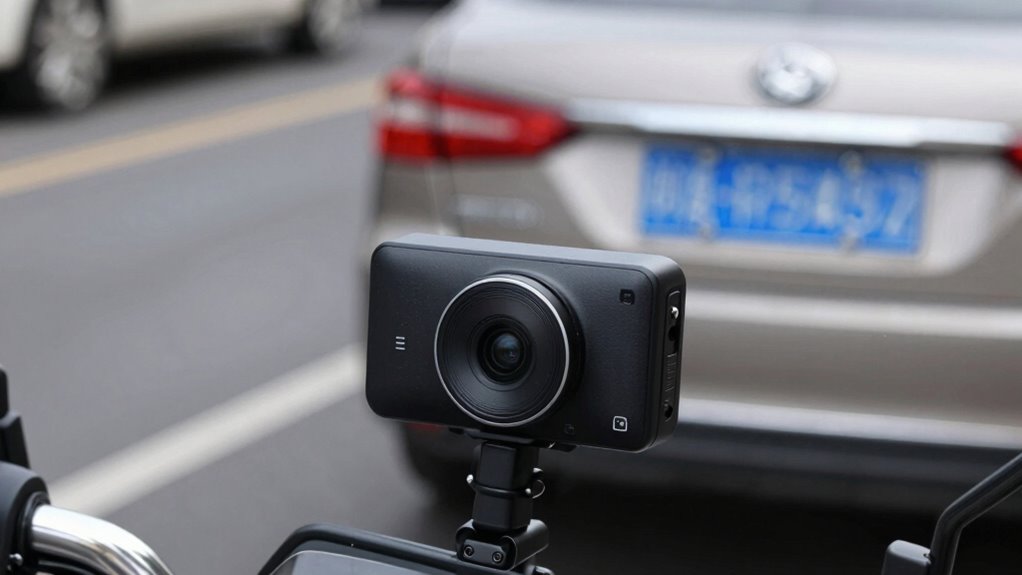
To get clearer license plates, you need to tweak your dash cam’s focus and exposure settings. Adjust the focus to guarantee the camera sharpens on plates even at different distances, and optimize exposure so images aren’t too dark or washed out. Small changes here can make a big difference in capturing readable plates every time. Properly configured camera settings can help ensure consistent clarity in various lighting conditions. Additionally, understanding how to adjust camera parameters allows you to tailor the footage quality for different environments. Mastering these camera adjustments is essential for reliable plate capture regardless of changing conditions, especially when considering sensor sensitivity and how it impacts image clarity in low-light or bright conditions. Fine-tuning these settings based on lighting conditions can further improve the chances of clear, legible footage.
Adjust Focus Settings
Adjusting focus settings on your dash cam is essential for capturing clear images of license plates, especially in varying lighting conditions. Proper focus ensures sharpness and readability, whether you’re riding during the day or at night. Enable night mode to improve visibility in low-light situations, and activate motion detection to automatically focus on moving objects like vehicles and license plates. Good lighting is crucial for optimal image clarity and license plate readability. Consider these tips:
- Use auto-focus for quick adjustments in changing conditions
- Adjust focus manually for specific lighting or distance
- Enable night mode to enhance clarity at night
- Set motion detection to prioritize moving vehicles
- Remember that proper focus can significantly improve your footage quality and the chances of capturing clear plates. Additionally, regularly cleaning your camera lens helps maintain image clarity and prevents dirt or smudges from obscuring license plates. These settings help your dash cam stay sharp and focused, making sure license plates are legible regardless of lighting or movement.
Ensuring your dash cam has accurate focus can make all the difference in retrieving crucial footage when needed.
Optimize Exposure Levels
Fine-tuning exposure levels alongside focus settings can substantially improve the clarity of license plates captured by your dash cam. To do this, adjust your exposure so that images aren’t too dark or washed out, especially in low-light conditions. Use night vision mode to enhance visibility during nighttime rides, ensuring plates are still readable. Proper exposure also helps with motion detection, making it easier for your camera to capture clear images when vehicles move quickly. Keep in mind that overexposure can blur plates, while underexposure might hide details. Regularly test different settings to find the right balance. With ideal exposure, your dash cam will produce sharper images, even in challenging lighting, increasing the chances of capturing useful plate details.
Choosing the Best Resolution and Frame Rate for License Plate Clarity

Choosing the right resolution and frame rate is vital for capturing clear license plates. Higher resolutions provide more detail, but they may require more storage and processing power. Aiming for an ideal balance guarantees your footage is both sharp and practical for review. Additionally, understanding visual clarity can help you select settings that effectively record license plates in various lighting conditions. It’s also important to consider video compression settings, as they can impact image quality and storage needs. Being aware of lighting conditions can further influence your choice of camera settings to ensure optimal recording quality in different environments. Moreover, adjusting frame rate appropriately can help capture fast-moving vehicles more clearly, increasing the likelihood of legible plates in motion. Considering sensor quality can also enhance overall image sharpness and detail in challenging conditions.
Optimal Resolution Settings
To capture clear license plate images, selecting the right resolution and frame rate is essential. Higher resolution provides sharper images, making plates easier to read, especially when combined with an ideal camera angle. Keep in mind that increasing resolution also impacts storage capacity, so choose a setting that balances quality with available space. For maximum results, consider these points:
- Use at least 1080p resolution for clarity in license plates
- Maintain a steady camera angle to enhance focus
- Adjust resolution based on your storage capacity limits
- Avoid overly high resolutions if storage is limited, to prevent rapid data loss
- Incorporating video compression techniques can help optimize storage without sacrificing image clarity.
Choosing the right resolution ensures your dash cam captures detailed images without overwhelming your storage, enabling effective evidence collection without sacrificing performance.
Frame Rate Impact
Selecting the right frame rate is essential for capturing clear license plates, especially when vehicles move quickly through your camera’s view. A higher frame rate reduces frame rate limitations, allowing smoother footage that minimizes motion blur effects. If your camera records at too low a frame rate, fast-moving vehicles will appear blurry, making it difficult to read plates. Conversely, very high frame rates can consume more storage and drain your battery faster. Aim for a balance—around 30 frames per second often works well for capturing license plates in motion. This setting ensures you get sharp, legible footage without overloading your system. Adjusting the frame rate based on your riding environment helps you record clearer, more useful footage of passing vehicles.
Practical Tips to Keep Your Video Stable and Sharp
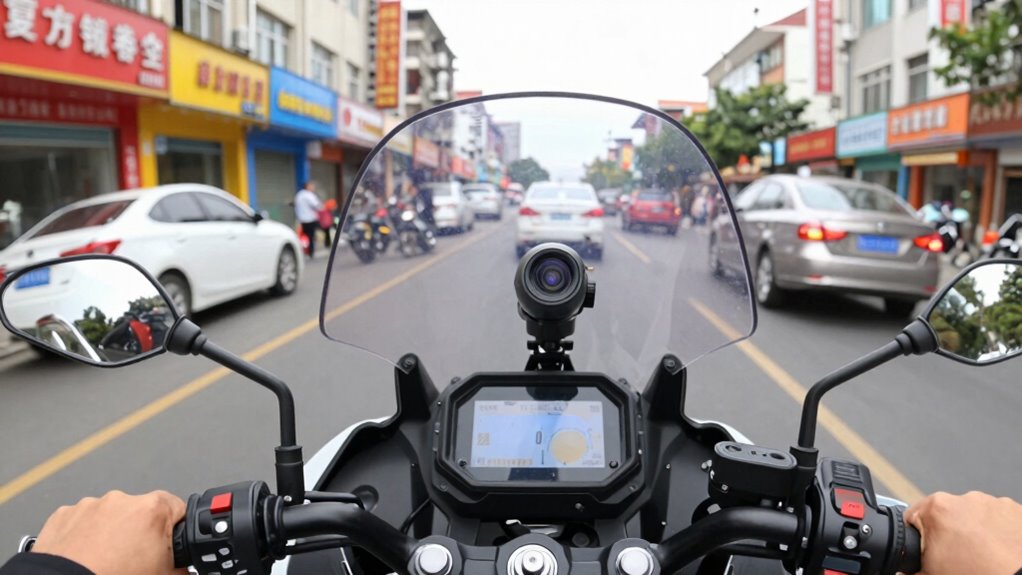
Keeping your dash cam footage stable and sharp is essential for capturing clear, usable evidence. To improve video quality, guarantee your camera is mounted securely to prevent vibrations and shaky footage. Use a high-resolution setting for more detail, especially for capturing license plates. Regularly clean the lens to avoid blurs caused by dirt or smudges. When editing videos, prioritize stabilization tools to enhance clarity, but remember to keep original footage intact for legal considerations. Avoid over-compression during video editing, which can obscure details necessary for identification. Additionally, choose a mounting position that minimizes glare and reflections. By following these tips, your footage will be more reliable for legal proof and easier to review.
Troubleshooting Common Issues With Plate Capture in Dash Cams
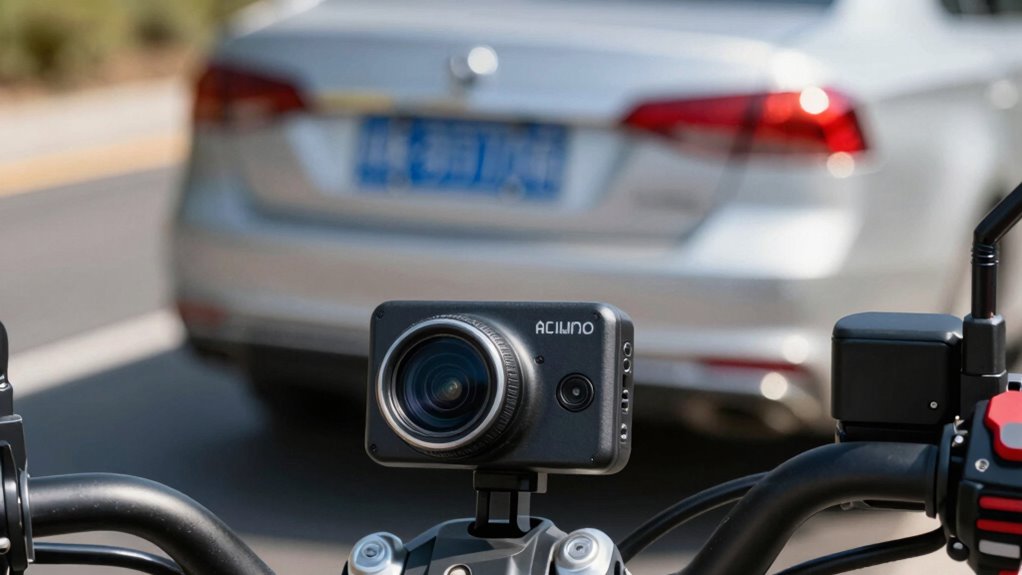
Plate capture issues are a common challenge when using dash cams, especially in situations with poor lighting, glare, or fast-moving vehicles. To improve clarity, start by ensuring your sensor calibration is accurate; misaligned sensors can blur or distort plates. Regularly check and update calibration settings to adapt to changing conditions. Proper storage management is also essential—ensure your memory card has enough space and is formatted correctly to prevent recording errors that can affect plate visibility. If images remain blurry, consider adjusting exposure and contrast settings within your dash cam’s menu. Additionally, clean the camera lens and windshield regularly to eliminate dirt and smudges that hinder plate recognition. These steps help optimize your dash cam’s ability to capture clear, readable plates in various conditions.
Frequently Asked Questions
Do All Dash Cams Automatically Detect and Focus on License Plates?
No, not all dash cams automatically detect and focus on license plates. Many high-end models feature automatic detection and focus adjustment, helping you clearly capture plates even in challenging conditions. However, lower-end cameras might lack this feature, requiring manual focus or specific settings adjustments. To guarantee you get clear footage of license plates, choose a dash cam with automatic detection and focus adjustment capabilities, especially for riding safety and evidence purposes.
How Does Weather Impact License Plate Recording Quality?
Did you know that poor weather can reduce recording clarity by up to 50%? Weather conditions like rain, fog, or snow markedly impact license plate recording quality. When visibility drops, your dash cam’s ability to clearly capture plates diminishes, making it harder to identify vehicles. To improve results, consider using dash cams with enhanced low-light or weather-resistant features, ensuring clearer recordings regardless of weather challenges.
Can Dash Cams Record License Plates at High Speeds Effectively?
Yes, dash cams can record license plates at high speeds effectively if you choose models with high-speed recording and weather resilience. Look for cameras with fast shutter speeds and wide-angle lenses to capture plates clearly during rapid motion. Weather-resistant features guarantee consistent performance in rain, snow, or fog. Properly adjusting settings and maintaining your camera also help improve high-speed recording quality, ensuring you get clear footage no matter the conditions.
Are There Legal Restrictions on Recording License Plates in Different Regions?
Yes, there are legal restrictions on recording license plates based on privacy laws and regional regulations. You need to be aware that some regions prohibit recording or sharing footage that could infringe on individuals’ privacy rights. Always check your local laws before using your dash cam to record license plates. Staying informed helps you avoid legal issues and ensures you’re respecting others’ privacy while capturing necessary footage.
What Features Should I Look for in a Dash Cam for Optimal Plate Capture?
Think of your dash cam as a sharp-eyed hawk. Look for features like high-resolution cameras, wide-angle lenses, and night vision to guarantee clear license plate capture. Pay attention to adjustable settings like exposure and focus, and consider models with ample storage capacity to hold footage. Be mindful of privacy concerns, choosing a device with secure data handling. These features help you record crisp, reliable footage when it matters most.
Conclusion
Think of your dash cam as a vigilant lighthouse, guiding you through foggy nights and bright days. When you tweak the right settings—like focus, exposure, and resolution—you turn it into a sharp beacon that clearly illuminates license plates even in tricky conditions. With a little attention, your dash cam becomes a trusty guardian, always ready to cast its spotlight exactly where it’s needed, ensuring you capture every detail with confidence and clarity.
Fall Picks
fall essentials
As an affiliate, we earn on qualifying purchases.