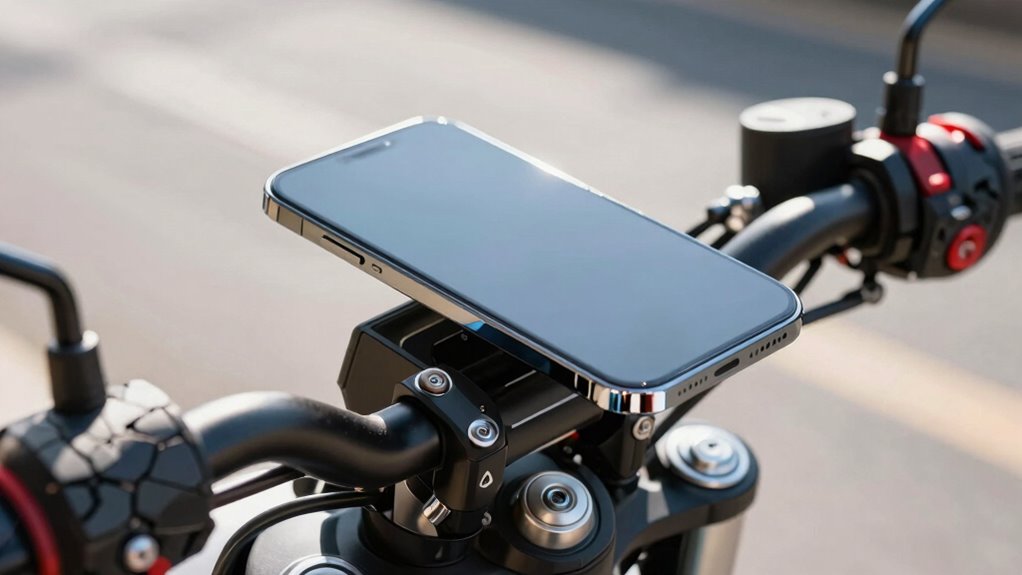
Exposing your phone to handlebar heat and direct sunlight quickly damages the battery by speeding up chemical reactions inside, causing faster wear and potential failure. Hot conditions weaken internal components, lead to swelling, and reduce your battery’s capacity over time. To protect your device, keep it cool, out of direct sun, and avoid heat sources during rides. Want to learn easy tips to prevent damage and extend your phone’s lifespan? Keep going—you’ll find all the guidance you need.
Key Takeaways
- Handlebar heat and direct sun exposure raise internal device temperatures, accelerating battery chemical breakdown and reducing lifespan.
- Excess heat causes electrolyte and electrode materials to degrade faster, leading to capacity loss and potential internal damage.
- Overheating can cause swelling, cracking, or leaking batteries, posing safety risks and risking device failure.
- Keeping your phone shaded and avoiding direct sunlight prevents thermal stress and preserves battery health.
- Proper heat management, including avoiding hot environments and removing cases if overheating, extends your device’s battery life.
How Heat Accelerates Your Phone’s Battery Wear
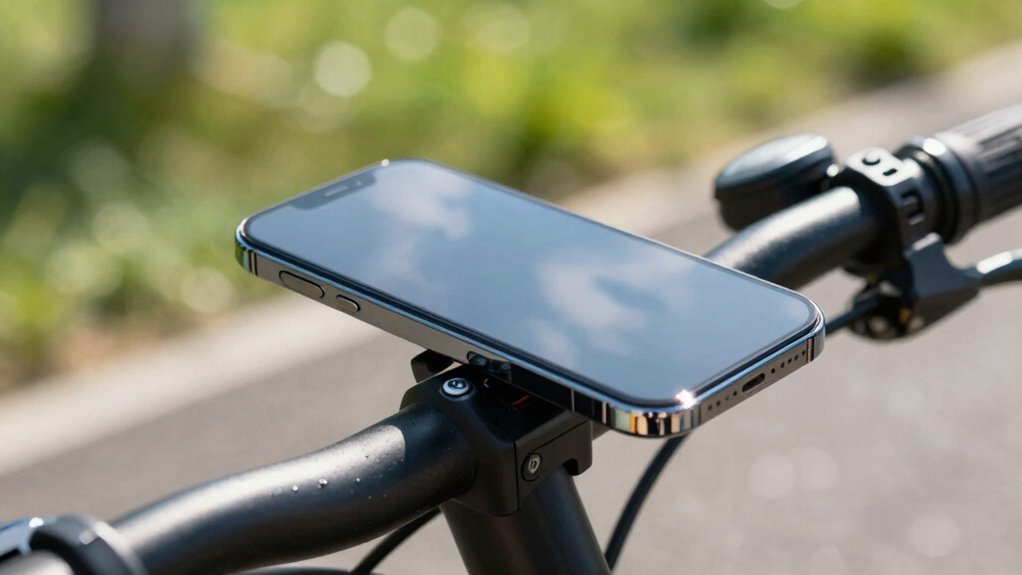
Heat speeds up the chemical reactions inside your phone’s battery, causing it to wear out faster. Elevated temperatures lead to thermal degradation, which damages the battery’s internal components. This process accelerates chemical breakdown within the cells, reducing their ability to hold a charge and diminishing overall battery lifespan. When your phone gets too hot, the electrolyte and electrode materials break down more quickly, resulting in decreased efficiency and capacity. Constant exposure to high temperatures pushes the battery beyond its *ideal* operating range, causing irreversible damage. To keep your battery healthy, avoid leaving your phone in hot environments or under direct heat sources. Managing heat ensures the chemical stability inside your battery, prolonging its lifespan and maintaining performance. Understanding battery fundamentals can help you better protect your device from heat-related damage. Additionally, using thermal management techniques like case cooling or avoiding direct sunlight can significantly reduce heat buildup, helping to prevent thermal runaway and other safety hazards. Being mindful of operating temperature ranges is crucial to maintaining battery health over time. Regularly monitoring your device’s temperature with battery health tools can also alert you to potential overheating issues before they cause permanent damage.
Sun Exposure and Warm Handles: What Damage Do They Cause?
Sun Exposure and Warm Handles: What Damage Do They Cause?
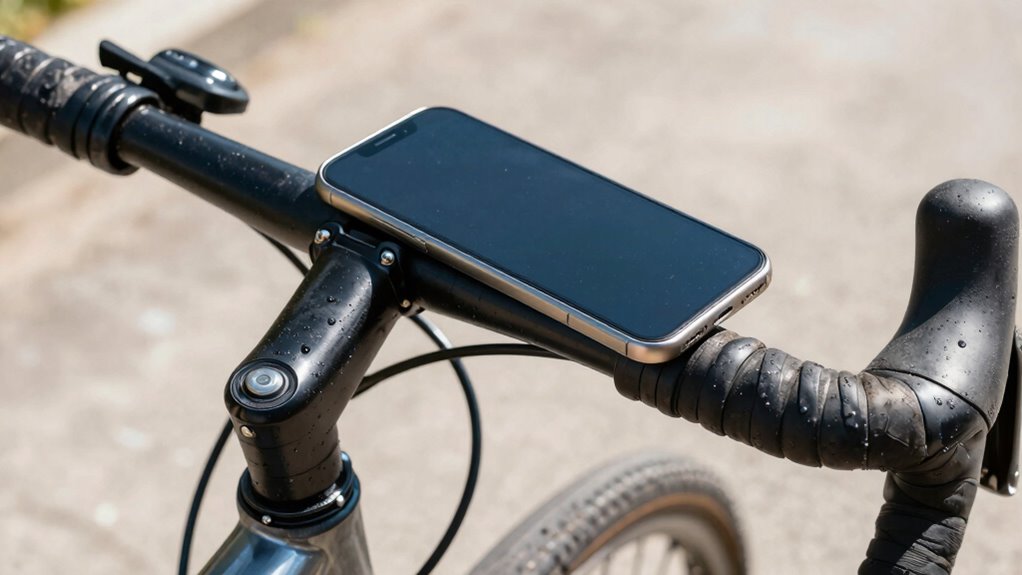
When your phone is exposed to direct sunlight or left in warm places, its internal temperature rises quickly, leading to potential damage. Sun exposure can weaken components, reduce battery life, and cause overheating. Sunlight can also cause thermal expansion, which stresses internal parts and may lead to long-term failures. Warm handles, like handlebars, trap heat and accelerate these issues. To prevent damage, consider using heat resistant cases designed to reflect sunlight and dissipate heat. Also, avoid leaving your device in direct sunlight near solar panels or other heat sources. Utilizing European cloud servers and energy-efficient technology can help reduce overall environmental impact. Additionally, consistent exposure to high temperatures can impair the phone’s internal structure, making it more susceptible to damage. Heat buildup can also lead to thermal throttling, which slows down performance and accelerates wear. Here are some key points:
Protect your phone from sun and heat to prevent damage and prolong lifespan.
- Increased internal temperature speeds up battery wear.
- Heat damages delicate internal components.
- Prolonged sun exposure weakens the phone’s structural integrity.
- Heat resistant cases help manage temperature and protect your device.
Staying mindful of sun exposure minimizes damage and prolongs your phone’s lifespan.
Signs Your Phone Is Overheating and What to Do

If your phone feels unusually hot or the battery drains quickly, it’s probably overheating. You might also notice the battery swelling or your device becoming sluggish. When these signs appear, take action immediately to protect your phone’s health and prevent damage. Overheating devices can also pose safety risks if not addressed promptly. Additionally, frequent overheating may indicate underlying issues with your device’s thermal management systems, which are designed to regulate temperature and prevent damage. Proper thermal regulation helps maintain your phone’s performance and longevity, so addressing overheating issues promptly is essential. Being aware of temperature thresholds is crucial to avoid long-term harm to your device, especially since battery safety can be compromised when devices operate outside safe temperature ranges.
Signs of Overheating
Your phone’s temperature can rise unexpectedly, making it feel unusually warm to the touch or even hot. Recognizing signs of overheating helps protect your device’s thermal management system. Here are key indicators:
- The device feels excessively hot, especially around the back or screen
- Sudden shutdowns or automatic restarts occur
- Screen brightness dims or displays distorted visuals
- Battery drains faster than usual or swells visibly
- Overheating can also be caused by exposure to direct sunlight, which accelerates battery heat buildup. Additionally, thermal management systems are designed to prevent damage but can be overwhelmed if overheating persists. Regularly checking your device’s temperature with monitoring tools can help catch issues early and avoid permanent damage to internal components. Proper ventilation and avoiding extreme temperatures can also help maintain optimal device health.
If you notice these signs, it’s time to stop using the phone and implement cooling solutions. Avoid exposing it to direct sunlight or heat sources. Remove cases if possible and turn off unnecessary apps. Addressing overheating promptly can prevent damage and maintain ideal thermal management.
Battery Drain and Swelling
Battery drain and swelling are clear signs that your phone is overheating and needs immediate attention. Battery swelling occurs when thermal degradation damages the battery’s internal structure, causing it to expand. If you notice your phone’s battery draining unusually fast or the device feeling hot to touch, these are warning signs of overheating. Swollen batteries can crack or leak, posing safety risks and damaging your device. To address this, stop using your phone immediately, turn it off, and avoid charging it. Remove the phone from direct sunlight or heat sources. Seek professional repair or battery replacement promptly. Ignoring these signs can lead to further thermal degradation, reduced battery life, or even dangerous situations like fires. Always prioritize safety when dealing with overheating and swelling. Being aware of battery degradation causes can help you prevent such issues in the future. Additionally, being aware of specialized repair services can ensure your device is safely restored. Regularly monitoring your device’s temperature and avoiding exposure to high heat sources can significantly reduce the risk of battery failure caused by thermal stress. Understanding proper device handling techniques can further extend your battery’s lifespan and safety.
Simple Tips to Keep Your Phone Cool on Rides

To keep your phone cool during rides, avoid leaving it in direct sunlight, which quickly raises its temperature. Using insulating accessories like cases or sleeve covers can help protect it from heat buildup. Additionally, try to limit rides during hot days to prevent unnecessary overheating and prolong your phone’s lifespan.
Keep Phone Out Of Sun
When you’re enjoying a sunny ride, keeping your phone out of direct sunlight is essential to prevent overheating. Excess heat can damage your battery and reduce performance. To keep your device cool:
- Use shaded areas or carry a small sunshade to block direct sunlight.
- Avoid exposing your phone to the sun during solar charging, which can generate additional heat.
- Store your phone in a waterproof case with insulating properties when not in use.
- Keep your phone in a backpack or under your jersey to minimize exposure to heat and sunlight.
These simple steps help prevent overheating, extend your battery life, and ensure your phone stays functional during long rides. Staying cool is key to maintaining your device’s longevity.
Use Insulating Accessories
Using insulating accessories is an effective way to keep your phone cool during long rides. Thermal insulation helps prevent heat transfer from the environment, reducing the risk of overheating. Protective covers made from insulating materials create a barrier between your device and the hot surroundings. Opt for specially designed thermal insulation covers or foam padding that absorb and block heat. These accessories are lightweight, easy to attach, and don’t interfere with your ride. By shielding your phone from direct sunlight and external heat sources, you help maintain ideal battery health and performance. Remember, the goal is to minimize heat exposure, and insulating accessories provide a simple, effective solution to keep your device cool during those long, sunny rides.
Limit Rides in Heat
Limiting the duration of your rides during hot weather can substantially help keep your phone from overheating. Shorter rides reduce the strain on your device’s thermal regulation and improve heat management. By minimizing exposure to high temperatures, you prevent heat buildup that can damage your battery and internal components. Here are some simple tips to keep your phone cool on rides:
- Plan shorter trips, especially during peak heat hours.
- Take breaks in shaded areas to allow your device to cool down.
- Use a reflective or insulating cover to reduce heat absorption.
- Avoid leaving your phone in direct sunlight or inside a hot vehicle post-ride.
Applying these strategies helps your phone maintain ideal thermal regulation, ensuring longer battery life and better performance.
Prevent Battery Damage: Easy Ways to Protect Your Device
To keep your phone’s battery healthy and avoid costly replacements, it’s essential to take simple steps that prevent damage. Start with proper charging habits: avoid overcharging or leaving your device plugged in overnight, as this can stress the battery. Regularly calibrate your battery by fully draining it and then charging to 100%, which helps your device accurately report its level. Keep your device in cool, shaded areas and avoid exposing it to extreme heat, which accelerates battery degradation. Using the original charger also reduces risks caused by incompatible power sources. These small adjustments in how you charge and care for your phone will extend its battery life and keep it functioning efficiently longer.
Why Taking Care of Your Battery Makes Your Phone Last Longer
Taking good care of your phone’s battery is key to making your device last longer. Proper battery management preserves the health of the battery chemistry, ensuring ideal performance over time. When you avoid extreme temperatures and overcharging, you help prevent capacity loss. Here are four ways to boost your battery’s lifespan:
- Keep your phone cool and avoid exposing it to heat.
- Don’t let the battery drain completely before recharging.
- Use chargers with proper voltage to prevent stress on battery chemistry.
- Limit fast charging when possible to reduce wear and tear.
Frequently Asked Questions
Can Using a Power Bank Increase Your Phone’s Heat Exposure?
Yes, using a power bank can increase your phone’s heat exposure. When you connect your phone to a power bank, especially during charging, it generates heat that accelerates battery degradation. Proper heat management becomes essential to prevent overheating. Keep your phone in a cool, ventilated area while charging, and avoid using it intensively, to protect your battery’s health and extend its lifespan.
Does Carrying Your Phone in a Backpack Cause Overheating?
Carrying your phone in a backpack can cause overheating because of insulation and heat retention. The backpack traps heat from your body and the sun, making it harder for your phone to cool down. If you keep your phone in a backpack for long periods, it can lead to increased temperature, which may harm the battery and reduce its lifespan. Always monitor your phone’s temperature to avoid overheating.
How Do Different Phone Materials Affect Heat Dissipation?
Your phone case materials substantially influence heat dissipation. For example, cases made from thermally conductive materials like metal or certain plastics help transfer internal heat away from your device, keeping it cooler. Conversely, insulative materials such as rubber or silicone trap heat inside, causing your phone to overheat faster. Choosing a case with good internal heat conduction ensures your phone stays cooler during intensive use or in hot environments.
Are There Specific Apps That Help Monitor Phone Temperature?
Ever wonder if your phone’s hidden secrets can reveal when it’s overheating? Yes, several apps offer thermal management and app-based monitoring, alerting you to rising temperatures before damage occurs. Apps like CPU-Z, Temp Monitor, or Battery Life Doctor scan your device’s thermal data, helping you catch overheating early. Keep your phone cool and perform smoothly—these tools empower you to stay ahead of heat-related issues.
Can External Cooling Accessories Extend My Phone’s Battery Life?
External cooling accessories can help improve your phone’s battery efficiency by reducing heat buildup during heavy use. Cooling fans or heat sinks dissipate heat more effectively, preventing overheating that can degrade the battery over time. By keeping your device cooler, you extend its battery lifespan and maintain peak performance. Investing in quality cooling accessories is a smart move if you often use your phone intensively or in hot environments.
Conclusion
If you ignore the heat, your phone’s battery could burn out faster than a shooting star! Sun and handlebar heat turn your device into a ticking time bomb, shrinking its lifespan and draining your battery’s power in a flash. Stay cool, protect your tech, and give your phone the love it needs—because if you don’t, you might be replacing it before you even finish your ride! Keep it chill, and your battery will thank you forever.