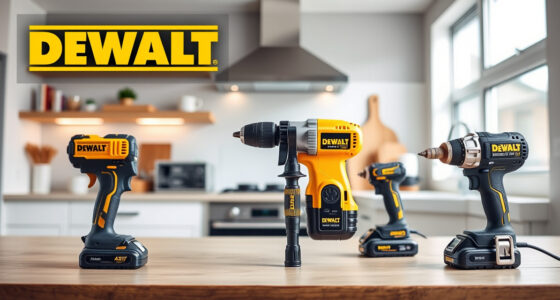

If your DEWALT 20V MAX battery isn’t charging, it can halt your work progress and cause frustration. This guide provides clear, safe troubleshooting steps to identify and resolve common charging issues, ensuring your tools are ready when you need them.

Get business pricing on garage and car supplies
- Business-only prices and quantity discounts
- Tax-exempt purchasing
- Multiple users, one account, clear invoices
Before attempting repairs, always ensure safety by disconnecting the battery from the charger and wearing protective gear if necessary. Let’s get your DEWALT power tools back in action.
Key Takeaways
| Charging Indicator | Check the LED indicator on the battery and charger for error signals. |
| Connection Check | Ensure the battery is properly seated in the charger. |
| Charger & Battery Compatibility | Verify the charger and battery are compatible and undamaged. |
| Battery Condition | Inspect the battery for damage or swelling. |
| Charger Functionality | Test with a different compatible charger if available. |
Step 1: Inspect the Battery and Charger
- Unplug the charger from the power source.
- Remove the battery from the charger.
- Check for visible damage, such as cracks, swelling, or corrosion on the battery contacts and the charger port.
Step 2: Ensure Proper Connection
- Align the battery correctly with the charger’s contacts.
- Push until you hear a click or see the LED indicator light up.
- Confirm the battery is fully seated and making contact.
Step 3: Check the Charger and Battery Compatibility
- Make sure you’re using a DEWALT charger compatible with your battery (e.g., DCB115, DCB118).
- Verify the battery model matches the charger requirements.
Step 4: Test the Battery and Charger
- Try charging a different, known-good battery with your charger.
- Charge your battery in a different compatible charger if available.
- Observe LED indicators for proper charging signals.
Step 5: Replace or Repair Components
If the battery or charger shows signs of damage or still won’t charge, consider replacing the faulty part. Contact DEWALT customer service for warranty options or professional repair.
The Products in This Guide

DEWALT 20V MAX Cordless Drill Driver Set
- ✔ Weight: Lightweight design
- ✔ Chuck Size: 1/2 inch
- ✔ Speed: Two-speed transmission

DEWALT Drill Bit Set
- ✔ Tip: Split point
- ✔ Durability: Resists breakage
- ✔ Compatibility: Plastic, wood, metal
DEWALT 20V MAX Cordless Drill Driver Set
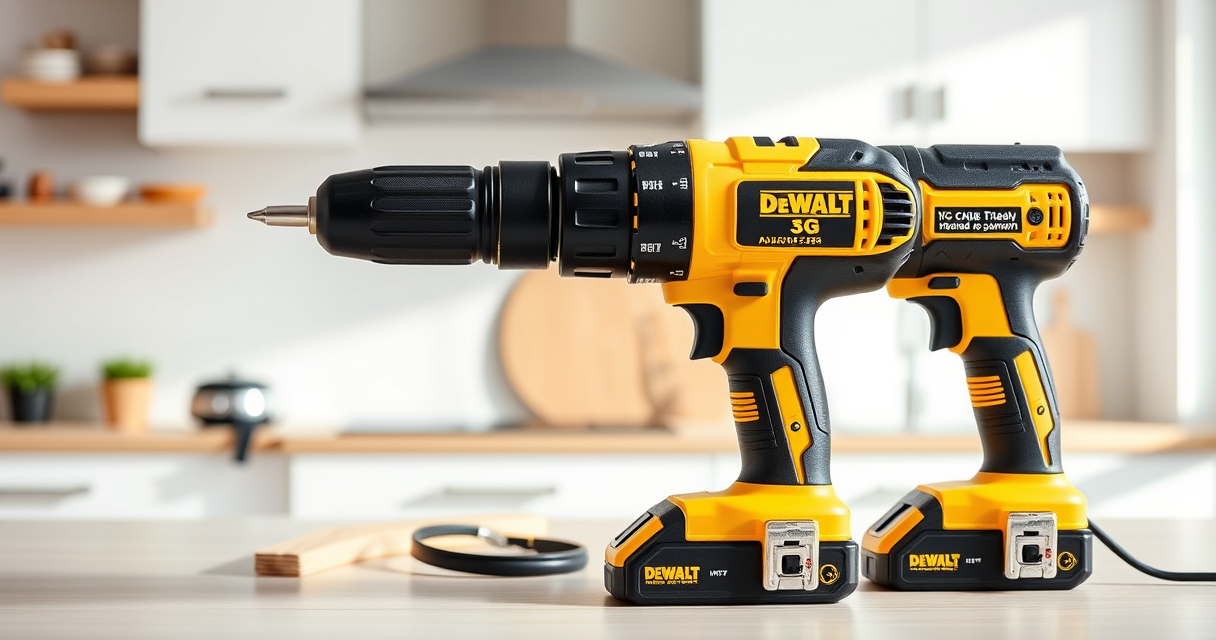
The DEWALT 20V MAX Cordless Drill Driver Set is a high-performance tool equipped with a brushless motor for increased runtime. Ensuring your battery charges correctly maximizes its effectiveness and longevity.
Pros:
- Brushless motor for efficiency
- Compact and lightweight
- LED work light
- Includes 2.0 Ah battery and charger
Cons:
- Battery charging issues can occur
- Limited to 20V MAX system
- Charger may need replacement if faulty
Best for: DIYers and professionals needing reliable cordless power
Not ideal for: Users experiencing frequent charging failures or damaged batteries
Bottom line: Ensure proper charging setup to keep your DEWALT tools ready for any task.
DEWALT Drill Bit Set
Complement your DEWALT drill with this 14-piece drill bit set designed for plastic, wood, and metal, featuring durable high-speed steel and a split point tip for precision.
Pros:
- Wide variety of sizes
- Corrosion-resistant coating
- Tapered web for durability
- Easy size identification
Cons:
- May be overkill for light-duty tasks
- Requires proper storage to prevent damage
Best for: General-purpose drilling with DEWALT tools
Not ideal for: Heavy industrial use or specialized materials
Bottom line: A versatile drill bit set that enhances your DEWALT drill capabilities.
Frequently Asked Questions
Why is my DEWALT battery not charging?
Common causes include poor contact between battery and charger, damaged charger or battery, incompatible components, or a depleted battery that needs replacement.
How can I tell if my battery is dead?
If the battery’s LED indicator shows no lights or if it heats up excessively during charging, it may be dead or damaged and require replacement.
Can I fix a faulty DEWALT charger?
Charger repairs are best handled by authorized service centers. If the charger is faulty, consider replacing it with a compatible new one.
How do I prolong my battery’s life?
Store batteries in a cool, dry place, avoid deep discharges, and use the correct charger for your model to ensure longevity.
Keeping Your DEWALT Battery Charging Efficiently
Regular maintenance and proper handling of your DEWALT batteries and chargers can prevent many charging issues. Always inspect components for damage, ensure correct connections, and replace faulty parts promptly. With proper care, your power tools will perform reliably for years to come.
Affiliate disclosure: As an Amazon Associate we earn from qualifying purchases. Prices and availability are accurate as of the time of publishing.
Columbus Day / Indigenous Peoples' Day Picks
long weekend sales
As an affiliate, we earn on qualifying purchases.