
If your DEWALT cordless drill or impact driver is struggling with a stuck chuck, it can halt your project and cause frustration. Fortunately, most chuck issues are fixable with proper techniques and safety precautions. This guide provides clear, step-by-step instructions to help you troubleshoot and resolve a stuck chuck on your DEWALT tool, ensuring you get back to work quickly and safely.

Get garage and car supplies delivered free — and shop member deals
- Fast, free delivery on millions of items
- Access to Prime Big Deal Days deals on October 6–7
- Prime Video, Amazon Music and more included
Before starting, gather necessary tools like a hex wrench, pliers, and lubricant, and always prioritize safety to prevent injury or damage to your tool.
Key Takeaways
| Identify the cause | Stuck chucks often result from dirt, debris, or over-tightening. |
| Use proper tools | A hex wrench or pliers can help loosen stubborn chucks. |
| Lubricate if needed | Applying a penetrating oil can ease removal. |
| Avoid damage | Be gentle to prevent stripping the chuck or damaging the gear. |
| Regular maintenance | Clean and lubricate your drill regularly to prevent sticking. |
Step 1: Power Off and Remove the Battery
Always start by turning off your DEWALT tool and removing the battery to prevent accidental activation. This ensures safety and prevents further damage during troubleshooting.
Step 2: Inspect the Chuck and Clear Debris
- Examine the chuck for visible debris, dirt, or damage.
- Use a small brush or cloth to clean out dirt around the chuck.
If debris is clogged inside, it can cause the chuck to stick or turn unevenly.
Step 3: Attempt to Loosen the Chuck
- Hold the drill firmly with one hand, gripping the body near the chuck.
- Use a pair of locking pliers or a dedicated chuck key if available to gently turn the chuck counterclockwise.
- Apply firm but controlled pressure; do not force excessively to avoid stripping the gears.
If the chuck remains stuck, proceed to lubrication.
Step 4: Apply Penetrating Oil
Spray a small amount of penetrating oil, such as WD-40, into the chuck’s moving parts. Let it sit for 5-10 minutes to loosen rust or grime.
After soaking, try to turn the chuck again with pliers or a wrench. Repeat if necessary, but avoid over-tightening.
Step 5: Check and Repair if Necessary
If the chuck is still stuck after lubrication, consider disassembling the chuck for more thorough cleaning or replacement. Consult your DEWALT user manual for disassembly instructions or contact a professional if you’re unsure.
Tips and Warnings
- Tip: Regularly clean and lubricate your drill to prevent future sticking.
- Warning: Never force the chuck excessively, as this can strip gears or damage the spindle.
- Use appropriate tools like a hex wrench or pliers to avoid slipping and injury.
The Products in This Guide

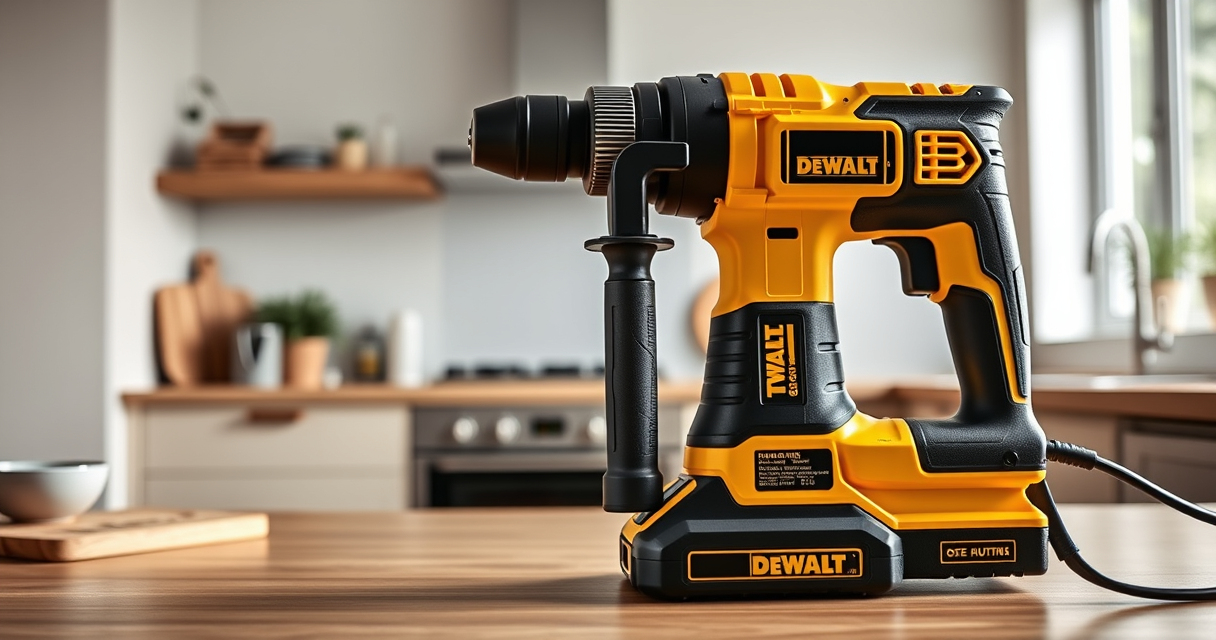
DEWALT 20V MAX Cordless Drill and Impact Driver
- ✔ Power Source: Battery operated
- ✔ Color: Yellow and black
- ✔ Included Accessories: 2 batteries, charger, bag

DEWALT Drill Bit Set
- ✔ Type: Hammer drill bits
- ✔ Color: Black and gold
- ✔ Pack Size: 14 pieces
DEWALT 20V MAX Cordless Drill and Impact Driver
The DEWALT 20V MAX Cordless Drill and Impact Driver is known for its compact design and powerful performance. When the chuck gets stuck, following proper troubleshooting steps can save time and avoid costly repairs. Regular maintenance and gentle handling are key to keeping your drill in top shape.
Pros:
- Compact and lightweight
- Ergonomic grip
- Bright LED for visibility
- Quick release hex chuck
Cons:
- Chuck can occasionally seize
- Requires careful maintenance
- Limited to compatible batteries
Best for: DIY enthusiasts and professionals needing reliable, versatile power tools
Not ideal for: Heavy-duty industrial use or for users unfamiliar with tool repairs
Bottom line: A dependable drill with straightforward troubleshooting for a stuck chuck.
DEWALT Drill Bit Set
Pair your DEWALT drill with this 14-piece drill bit set featuring high-speed steel and a 135-degree split point. It enhances your drilling capacity across various materials and complements your tool maintenance routine.
Pros:
- High-speed steel construction
- Split point reduces walking
- Easy size identification
- Rust-resistant coating
Cons:
- Limited to drilling tasks
- Not for heavy industrial use
- Requires proper bit storage
Best for: Home improvement projects and light professional work
Not ideal for: Heavy-duty drilling or industrial applications
Bottom line: A reliable drill bit set to expand your DIY toolkit.
Frequently Asked Questions
Why is my DEWALT chuck stuck?
A stuck chuck can result from dirt, rust, over-tightening, or debris lodged inside the mechanism. Regular cleaning and lubrication help prevent this issue.
How do I prevent my chuck from sticking?
Maintain your drill by cleaning it regularly, avoiding over-tightening, and applying lubrication to moving parts periodically.
Can I disassemble the chuck myself?
Yes, but only if you’re comfortable with small repairs. Follow the manufacturer’s instructions carefully or consult a professional to avoid damage.
What type of lubricant should I use?
Use a penetrating oil like WD-40 or a light machine oil to loosen rust and debris inside the chuck.
When should I replace my chuck?
If cleaning and lubrication don’t resolve the sticking, or if the chuck shows signs of damage or excessive wear, consider replacing it or consulting a service professional.
Keeping Your DEWALT Drill in Prime Condition
Proper maintenance and gentle handling are essential to prevent your DEWALT power tools from experiencing issues like a stuck chuck. Regular cleaning, cautious tightening, and timely lubrication can extend the lifespan of your tool and ensure optimal performance. When problems do arise, following these step-by-step troubleshooting tips will help you resolve them safely and efficiently, keeping your projects on track and your tools in top shape.
Affiliate disclosure: As an Amazon Associate we earn from qualifying purchases. Prices and availability are accurate as of the time of publishing.
Fall Picks
fall essentials
As an affiliate, we earn on qualifying purchases.