

GPX files are digital maps containing tracks, routes, and waypoints that guide your outdoor navigation. To use them effectively, load the files onto your GPS device or app, ensuring compatibility. Follow tracks to stay on your planned path, use waypoints to mark important locations, and adjust routes as needed. Always verify the accuracy and test your files beforehand. Keep exploring further for detailed tips on mastering GPX files to avoid getting lost on your adventures.
Key Takeaways
- Understand the difference between tracks, routes, and waypoints to navigate effectively using GPX files.
- Verify GPX file compatibility and integrity before use to prevent data loss or errors during navigation.
- Use GPS devices or mapping software to load and follow tracks accurately during outdoor activities.
- Regularly update and customize GPX tracks to reflect current trail conditions and personal navigation preferences.
- Always carry backup navigation methods and test GPX files in safe environments to avoid getting lost.
What Are GPX Files and Why Are They Essential for Navigation?

GPX files are digital files that store GPS data such as waypoints, routes, and tracks, making them essential tools for navigation. These files come in specific file formats designed to transfer location information between devices and apps seamlessly. By using GPX files, you can plan your routes ahead of time or share your favorite trails with others. They enable precise digital navigation, helping you stay on course whether you’re hiking, biking, or driving. Because of their standardized format, GPX files are compatible with many GPS devices and mapping software. This versatility makes them indispensable for outdoor enthusiasts and travelers who rely on accurate, real-time location data to reach their destinations safely. Additionally, understanding how these file formats work can help you optimize your navigation and avoid common pitfalls. Managing your GPX files effectively can also help you prevent data loss, ensuring smoother and more reliable navigation during your adventures. Familiarity with these files can also streamline your route planning process, saving you time and effort.
How to Load GPX Files Onto Your GPS Device or App
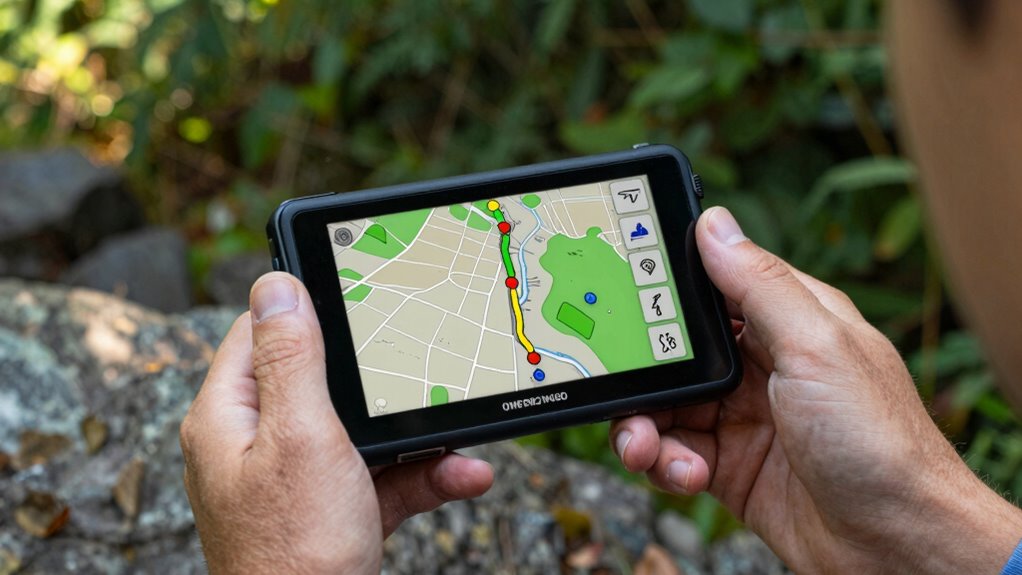
Loading GPX files onto your GPS device or app is a straightforward process that allows you to quickly access your saved routes and waypoints. To do this, you’ll need to upload data by transferring the GPX file from your computer or mobile device. First, verify file compatibility; most modern devices support GPX format, but check your device specifications. Connect your device via USB or open your app, then locate the import or upload option. Select the GPX file, and the data will load onto your device. Here’s a quick overview:
| Step | Action | Notes |
|---|---|---|
| Find your GPX file | Locate on your device | Ensure it’s compatible |
| Connect your device | via USB or app interface | Follow device instructions |
| Upload data | Select ‘Import’ or ‘Upload’ | Confirm successful transfer |
| Verify files loaded | Check routes or waypoints | Ensure correct display |
| Save or sync | Finalize the process | Keep your data updated |
Additionally, many devices and apps have settings that allow you to customize how imported GPX data is displayed, which can enhance your navigation experience. Properly managing your GPX data can also improve accuracy and usability during your outdoor adventures. Understanding how to organize and edit your GPX files can help prevent errors and make navigation smoother. Knowing about file formats and their compatibility can further streamline your experience.
Understanding Tracks, Routes, and Waypoints: A Simple Guide
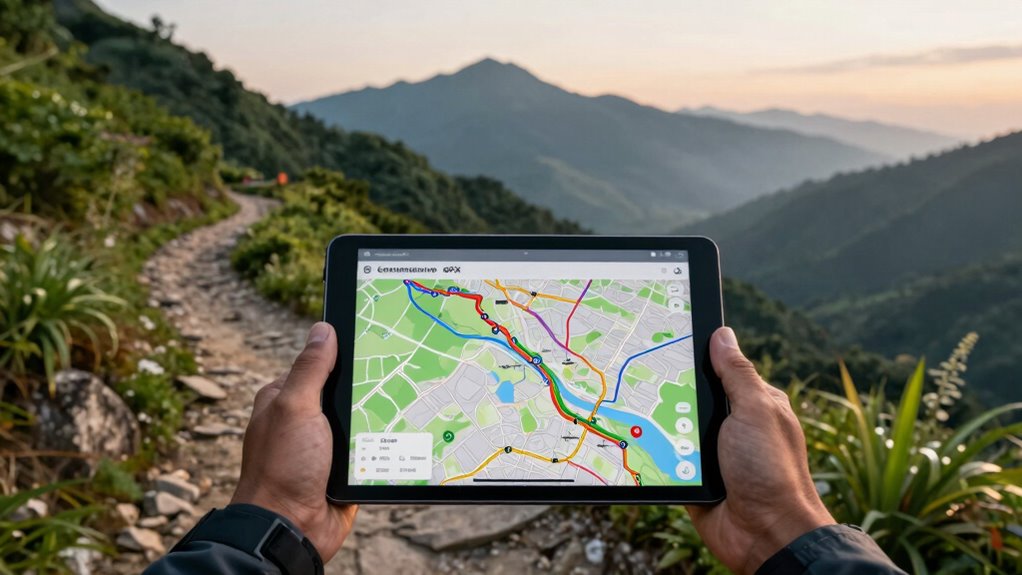
Once you’ve uploaded your GPX files to your device or app, understanding what each element represents helps you make the most of your navigation data. Tracks are paths recorded during your journey, while routes are planned sequences you intend to follow. Waypoints mark specific locations, often identified by waypoint naming, which helps you recognize important spots like campsites or trailheads. Map symbols on your device display these elements visually, making it easier to interpret your data at a glance. Knowing how to distinguish between tracks, routes, and waypoints ensures you stay oriented and confident in your navigation. Developing a relationship with your inner guidance can also enhance your decision‑making skills when navigating unfamiliar terrain. It is helpful to familiarize yourself with navigation tools to better interpret your data and make informed choices. Understanding navigation data can significantly improve your confidence and efficiency during outdoor adventures. By familiarizing yourself with these components, you can better plan, follow, and adjust your outdoor adventures with clarity. Additionally, understanding support breakfast options can help you stay energized and prepared for your explorations. Recognizing halal dietary practices can also be important if you’re planning meals during outdoor trips, ensuring you adhere to your dietary needs.
Reading GPX Track Data: Tips to Stay on Course
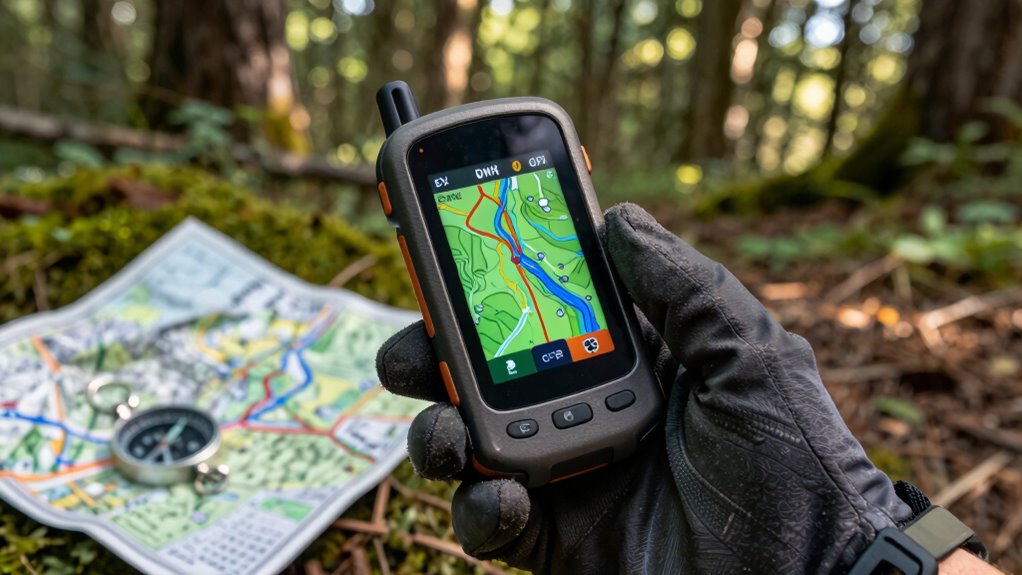
Understanding how to read track data effectively is key to staying on course during your outdoor adventures. When you review a GPX track, focus on the waypoints and the path it indicates. Use your map reading skills to compare the track with your surroundings, ensuring you’re heading in the right direction. Keep an eye on the track’s shape and turns, and cross-reference with nearby landmarks. Combining this with your compass skills helps verify your position and maintain accurate navigation. Don’t rely solely on technology; understanding how to interpret track data allows you to make informed decisions if GPS signals falter. Practice reading the track’s details, such as distance and elevation, to better anticipate upcoming terrain. Developing your skills in navigation techniques and understanding elevation profiles ensures you stay confident and on the right path throughout your journey. Recognizing the importance of track data analysis can help you plan your route more effectively. Building your knowledge of topographic features can further enhance your ability to stay oriented in diverse environments. This approach keeps you confident and on the right path throughout your journey.
How to Customize and Edit GPX Files for Better Navigation
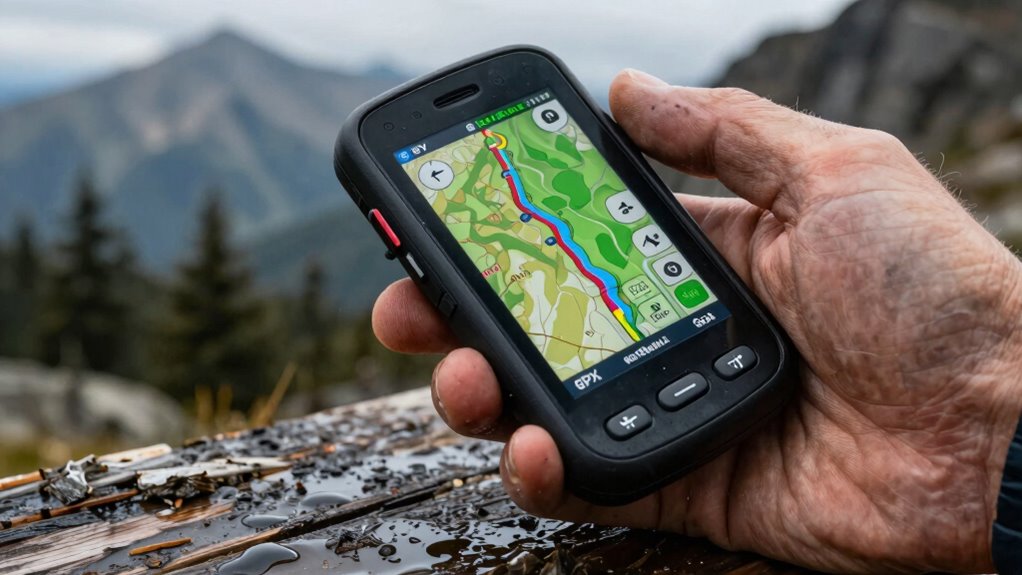
Customizing and editing GPX files can substantially enhance your navigation experience by tailoring routes to your specific needs. With a variety of customization options, you can add waypoints, adjust track points, or simplify routes for clearer guidance. Editing tools like GPX editors or mapping software make these adjustments straightforward. You can remove unnecessary sections, change the route’s order, or insert new waypoints to improve accuracy. By customizing your GPX files, you guarantee they better match your plans and preferences, making navigation more intuitive and reliable. These edits help prevent confusion and keep you on track, especially in complex terrains or unfamiliar areas. Additionally, understanding how smart home technology can integrate with GPS devices offers potential for enhanced route planning and real-time updates. Learning how to edit GPX files effectively allows you to adapt routes quickly when conditions change. Ultimately, mastering editing tools allows you to optimize your GPX files for a smoother, more personalized navigation experience.
Troubleshooting GPX Files in the Field

Even well-edited GPX files can encounter issues when you’re out in the field. Device compatibility is a common problem—some devices may not recognize certain GPX formats or features, leading to navigation errors. Always check if your device supports the specific GPX version you’re using. File corruption is another concern; a corrupted file can prevent your GPS from reading the data correctly. To troubleshoot, try opening the GPX file on a different device or software to verify its integrity. If it doesn’t load, you might need to re-export or repair the file. Keep backup copies handy to avoid losing your data. Ensuring your device supports your GPX files and verifying their integrity before heading out can save you from frustrating navigation issues in the field. Additionally, understanding file formats and standards can help you select the most compatible and reliable GPX files for your device. Being familiar with software testing methodologies and industry standards can also improve your ability to troubleshoot and ensure reliable data transfer. Familiarity with industry standards can further assist in diagnosing and resolving compatibility issues effectively. Knowing how to interpret metadata embedded in files can also provide insights into potential issues and improve troubleshooting efficiency.
Best Practices for Using GPX Files Safely and Effectively
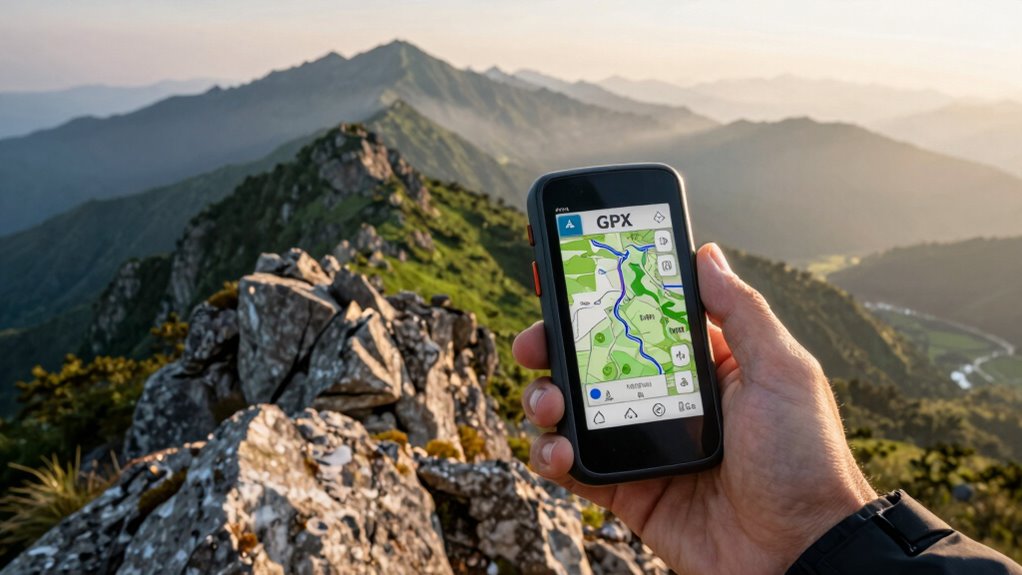
To use GPX files safely and effectively, you should always verify their accuracy and completeness before heading into the field. Follow safety precautions like double-checking your routes and ensuring your device is fully charged. Proper data management is key; organize your files systematically and back them up to prevent loss. Keep your GPX files updated with recent trail information to avoid outdated routes. Use trusted sources for downloading files, and always test them in a safe environment beforehand. Be mindful of your device’s battery life and carry extra power sources if needed. Staying aware of your surroundings and having a backup plan enhances safety, especially when relying on digital navigation. These practices help you navigate confidently while minimizing risks.
Frequently Asked Questions
Can GPX Files Be Used Offline Without an Internet Connection?
Yes, you can definitely use GPX files offline for navigation. Once you’ve downloaded the GPX file onto your device, you can access it without an internet connection, enabling reliable offline navigation. This also allows you to customize your maps by adding waypoints and tracks, ensuring you stay on course even in remote areas. Just make sure your navigation app supports offline GPX usage, so you can explore without interruptions.
Are There Compatibility Issues Between Different GPS Devices and GPX Files?
You might encounter device compatibility issues with GPX files, especially if your GPS device doesn’t fully support the file format or has unique requirements. Always check your device’s specifications and supported formats before transferring files. To avoid file format issues, use compatible software to convert or optimize your GPX files. This guarantees smooth navigation without glitches, keeping your routes accurate and your adventure hassle-free.
How Secure Are GPX Files From Unauthorized Editing or Tampering?
Oh, sure, your GPX files are practically Fort Knox—if Fort Knox had no guards and no encryption. They’re not inherently secure from unauthorized editing or tampering. For true file integrity and data encryption, you’ll need to add extra layers of protection, like password protection or encryption software. Otherwise, anyone with basic skills can tweak your tracks, turning your adventure into a digital game of “spot the changed waypoint.”
Can I Import GPX Files From Online Communities or Shared Sources?
Yes, you can import GPX files from online communities and sharing platforms. Many of these platforms support standard file formats like GPX, making it easy to download and load tracks onto your device. Just verify the files are from trusted sources to avoid corrupted or malicious data. Once imported, you can follow the shared routes confidently, enhancing your navigation experience and exploring new areas safely.
What Are the Common Errors When Creating or Editing GPX Tracks?
Creating or editing GPX tracks is like fine-tuning a musical instrument, so errors can hit the wrong notes. Common mistakes include inaccurate track accuracy due to poor GPS signal, and editing mistakes such as deleting essential points or misaligning segments. To prevent these, double-check your track details after editing, ensure good GPS signal during recording, and use reliable software. This way, your tracks stay in tune and true to your journey.
Conclusion
By understanding GPX files, loading them correctly, and customizing them to your needs, you’ll navigate confidently, stay on course, and avoid getting lost. You’ll read tracks with clarity, troubleshoot issues with ease, and practice safety and efficiency every step of the way. Embrace these skills, trust your device, and enjoy your adventures with confidence, preparedness, and peace of mind. With GPX files, you’re always ready to explore, discover, and reach your destination safely.