
Aprilia’s ride-by-wire system uses electronic sensors and an ECU to precisely control engine throttle, eliminating mechanical linkages. Throttle maps are digital algorithms that modify how input from the rider translates into engine power, affecting throttle response, torque, and acceleration. Customizing these maps for different terrains and skill levels enhances traction, stability, and handling. By understanding how map adjustments influence performance, you can optimize control across various riding conditions—more details await as you explore further.
Key Takeaways
- Throttle maps in Aprilia’s ride-by-wire system control engine power delivery and responsiveness, adapting to various terrains and rider skill levels.
- Customizing throttle maps allows riders to optimize traction and stability on loose dirt, rocky, or steep terrain.
- Changing throttle maps adjusts how quickly and smoothly power is delivered, enhancing handling and technical control.
- Different maps can be selected based on riding conditions, such as aggressive maps for technical sections or smooth maps for challenging environments.
- Proper throttle map tuning improves safety, reduces wheel spin, and ensures better control during off-road riding.
How Does Ride-by-Wire Work on Aprilia Dirt Bikes?
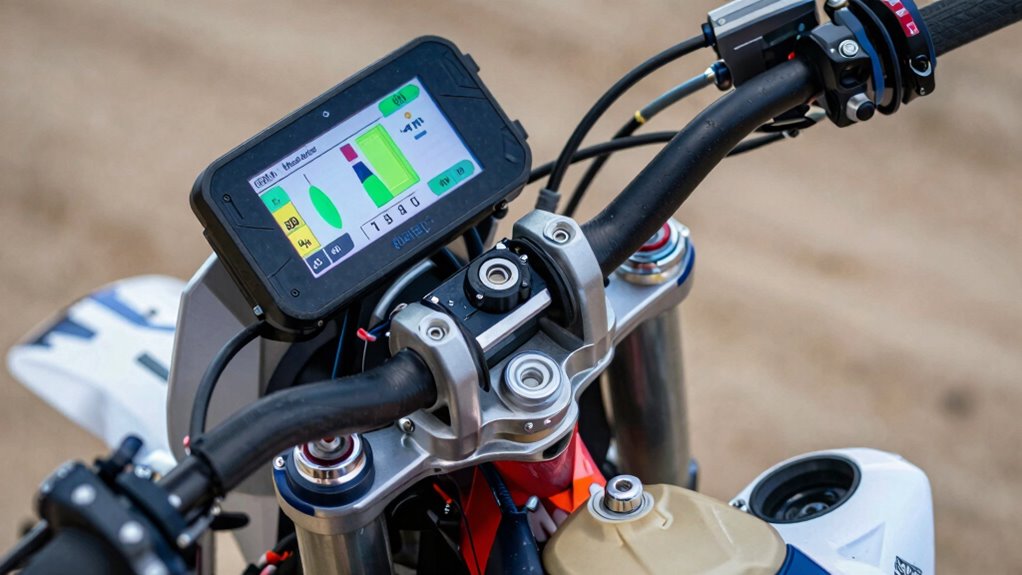
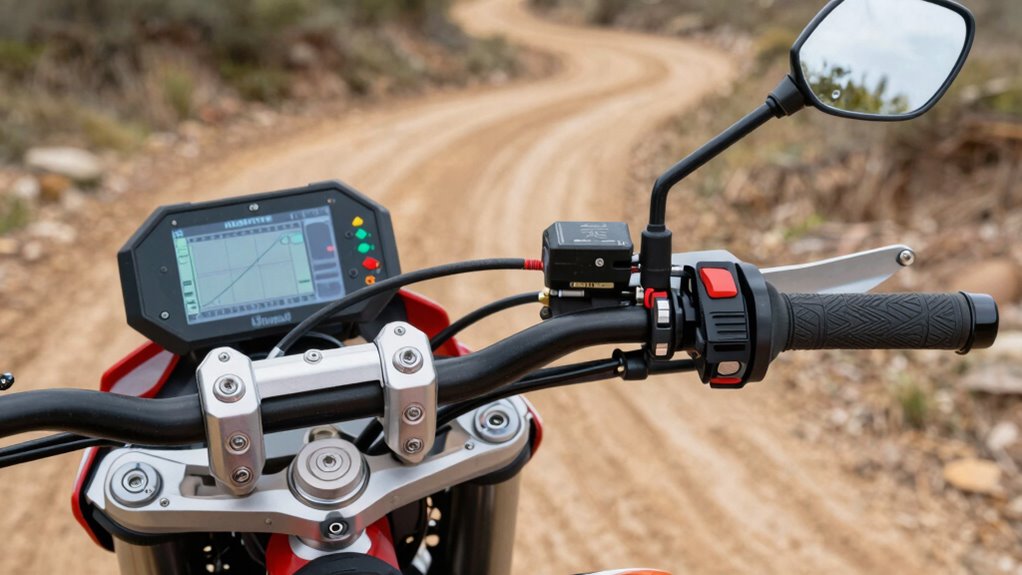
Ride-by-wire on Aprilia dirt bikes replaces traditional mechanical throttle cables with an electronic system that precisely controls engine power. You’ll find an electronic throttle body instead of a physical cable, which uses sensors to detect your throttle input. When you twist the throttle grip, sensors send signals to the ECU (Electronic Control Unit), which processes the data instantly. The ECU then adjusts the throttle actuator, controlling airflow into the engine with high accuracy. This system eliminates mechanical linkage delays, enabling smoother and more responsive throttle responses. It also allows for integration with advanced features like ride modes and safety systems. Overall, ride-by-wire enhances control precision, reduces mechanical wear, and provides a foundation for sophisticated engine management, optimizing performance across various riding conditions. Additionally, the system can adapt to different riding environments by utilizing adaptive mapping, which adjusts throttle response based on riding style and terrain. This adaptability helps improve overall riding experience and safety.
What Are Throttle Maps and How Do They Affect Your Ride?
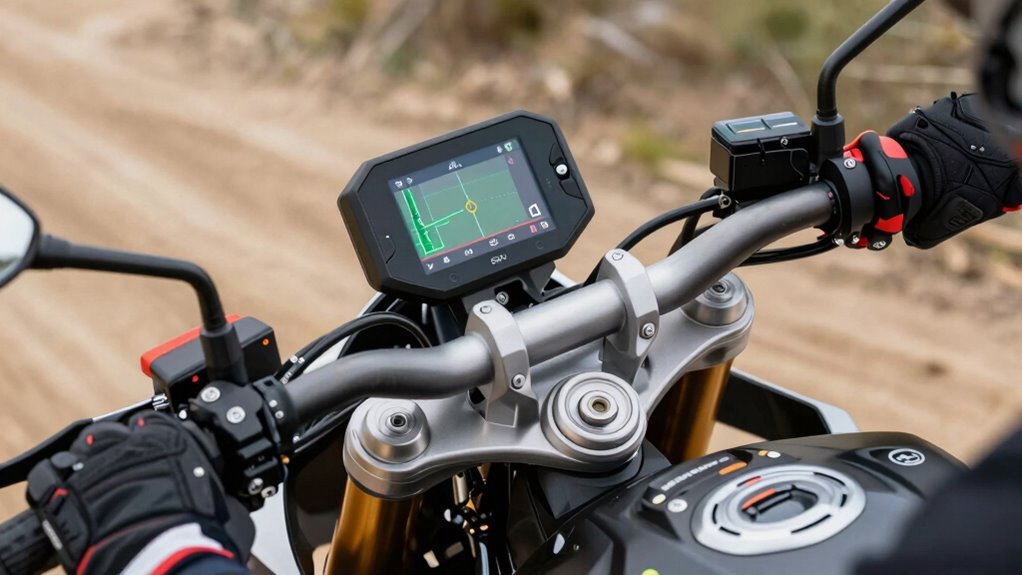
Have you ever wondered how your Aprilia’s electronic throttle system adjusts engine response to different riding conditions? Throttle maps are digital control algorithms that define how throttle input translates into engine power delivery. They are programmed with specific parameters that modify throttle sensitivity, acceleration rates, and torque output. By altering these parameters, the system can optimize performance for various scenarios, such as aggressive off-road riding or smooth trail navigation. These maps influence engine torque curves, ensuring consistent and predictable throttle response. Proper tuning of throttle maps is essential for achieving optimal rideability and control. Fundamentally, throttle maps serve as a control layer between your hand and the engine, allowing precise adjustments that enhance control, stability, and rideability. Understanding their role helps you appreciate how Aprilia fine-tunes engine behavior for superior dirt riding experiences.
How to Customize Throttle Maps for Different Terrains
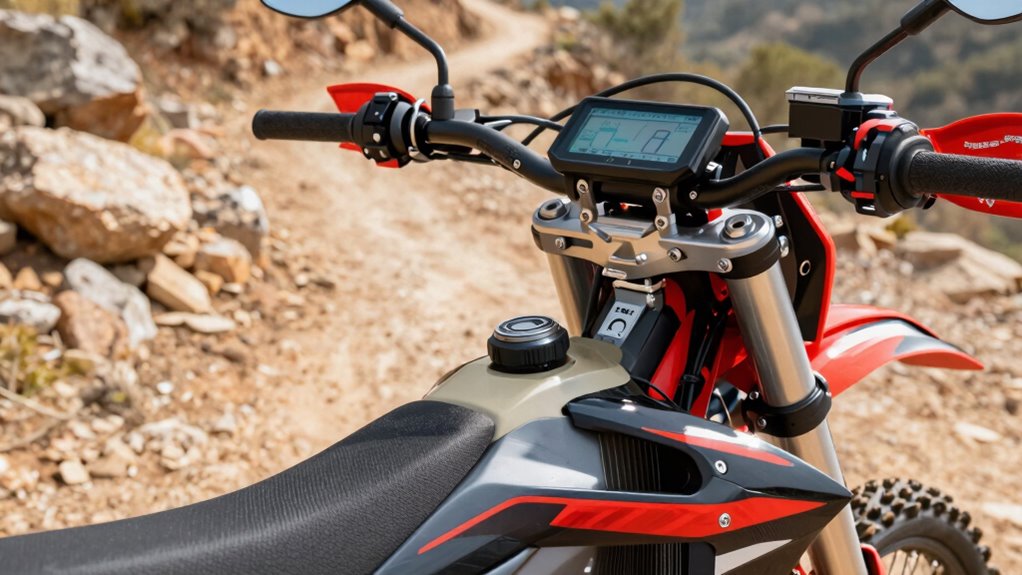
Adjusting your throttle maps for different terrains allows you to optimize engine response and control. To do this effectively, analyze terrain characteristics—loose dirt, rocky surfaces, or steep inclines—and modify throttle sensitivity accordingly. For loose dirt, increase the map’s responsiveness to improve acceleration without abrupt power delivery, reducing wheel spin. Proper calibration of these settings ensures smoother transitions and better overall performance. On rocky terrains, soften throttle input curves to prevent sudden jolts and maintain traction. For steep inclines, enhance low-end torque response by adjusting fuel and ignition parameters within the map. Use your bike’s electronic control unit (ECU) interface to fine-tune these settings, creating specific maps for each environment. Implementing terrain-specific throttle maps ensures precise power modulation, improving stability and control in challenging conditions, and ultimately enhancing your riding confidence and safety. Additionally, understanding how throttle sensitivity affects your riding experience can help you make more informed adjustments for various riding scenarios.
How Changing Throttle Maps Impacts Handling and Performance
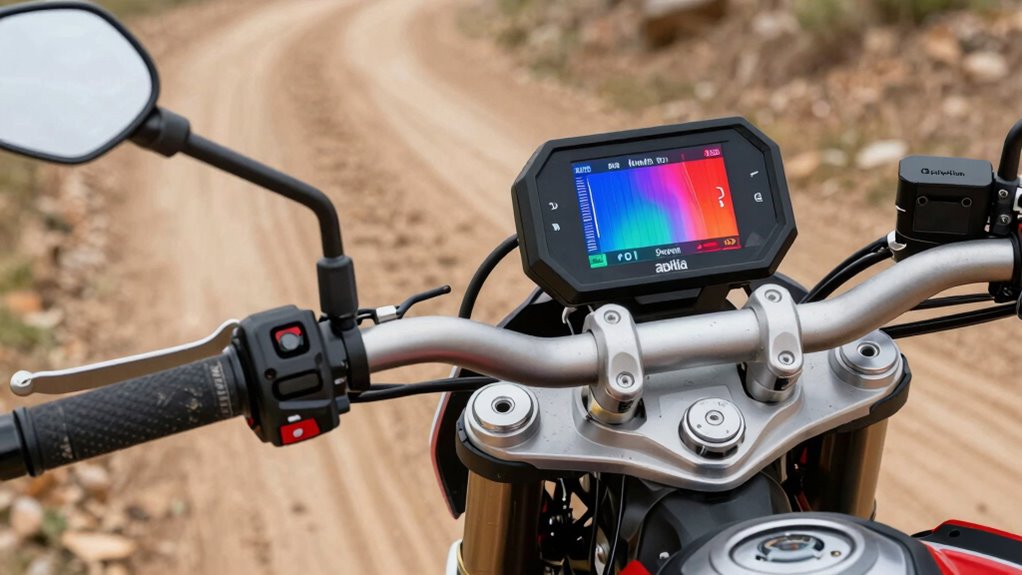
Adjusting your throttle map directly influences how quickly and smoothly power is delivered, impacting overall responsiveness. These changes can enhance handling by providing more precise control during maneuvers or tight turns. Consequently, tuning your throttle settings allows for optimized performance tailored to your riding style and terrain. Additionally, understanding accessory advice can help you select the best modifications to further improve your riding experience.
Enhanced Throttle Response
Modifying throttle maps directly influences how your motorcycle responds to rider input, substantially impacting handling and overall performance. By tuning the throttle response curve, you can achieve a more immediate, linear reaction, reducing lag and smoothing acceleration. This adjustment enhances control during rapid throttle applications, providing a more predictable feel, especially in demanding riding conditions. Precise calibration of the throttle map improves low-end torque delivery, translating to quicker throttle response without abruptness. It also minimizes hesitation or bogging, enabling seamless power transfer. Such refinements optimize the bike’s responsiveness, making handling more intuitive and confident. Ultimately, enhanced throttle response through map adjustments allows you to better exploit engine behavior, ensuring your motorcycle reacts precisely as intended, whether steering through technical terrain or accelerating on open stretches. Additionally, understanding the impact of input lag can help in fine-tuning the throttle responses to match your riding style more effectively.
Improved Handling Dynamics
Changing throttle maps directly influences your motorcycle’s handling dynamics by altering how power delivery and responsiveness are distributed during riding. Different maps modify throttle sensitivity, affecting how quickly and smoothly power transitions occur. For example, a map prioritizing aggressive response enhances acceleration off corners, improving agility. Conversely, a smoother map reduces abruptness, increasing stability during technical maneuvers. Throttle maps also impact engine braking, which influences front-end feel and cornering confidence. Adjusting these settings allows you to fine-tune handling characteristics to match terrain and riding style. By optimizing throttle response, you can achieve more precise control, reduce rider fatigue, and enhance overall performance. This technical manipulation of power curves directly correlates with improved maneuverability and consistency across a range of riding conditions.
When and Why Should You Switch Throttle Map Settings?
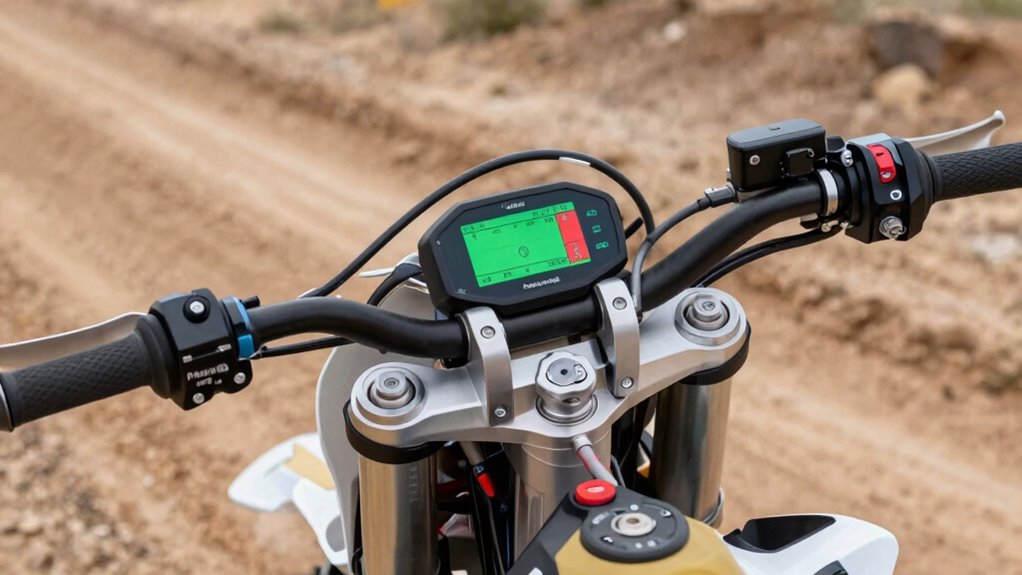
Knowing when to switch throttle map settings is essential for optimizing your Aprilia’s performance and response characteristics. You should consider changing maps when encountering different riding conditions, such as shifting from aggressive trail riding to more controlled, technical sections. For instance, switching to a more responsive map enhances throttle sensitivity during technical terrain, providing better control. Conversely, selecting a smoother map reduces abrupt power delivery in challenging environments, preventing wheel spin and loss of traction. Additionally, environmental factors like mud, sand, or gravel may warrant a map adjustment to improve stability and predictability. Regularly evaluating your bike’s response and the terrain helps identify ideal moments to switch, ensuring your throttle response aligns with riding demands. This strategic adjustment maximizes both safety and performance efficiency. Understanding throttle mapping allows riders to tailor their bike’s behavior for optimal control across diverse conditions.
Tips for Selecting the Best Throttle Map for Your Riding Style
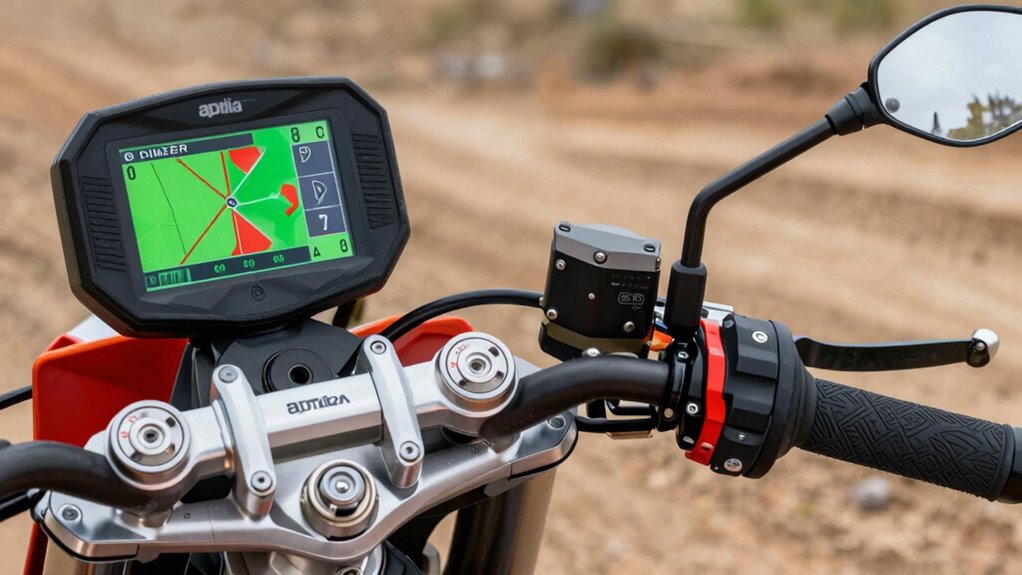
Choosing the right throttle map requires aligning it with your terrain and riding conditions to optimize response and control. You should also consider your skill level, adjusting for smoother shifts or more aggressive responses as needed. Making these adjustments guarantees your bike’s throttle performance matches your riding style and experience, enhancing both safety and efficiency. Additionally, understanding how different throttle response settings influence your riding can help you fine-tune your experience for maximum comfort and control.
Match Map to Terrain
How you select your throttle map can considerably impact your riding efficiency and control across different terrains. To enhance performance, match the map to your riding environment, considering throttle response and power delivery. For example, smoother maps enhance traction on loose surfaces, while aggressive maps maximize power for technical climbs. Use the table below to evaluate terrain-specific map choices: Free Floating.
| Terrain Type | Recommended Throttle Map |
|---|---|
| Loose/Dusty | Gentle response, reduced torque |
| Technical Trails | Precise, moderate throttle for control |
| Hard Pack | Aggressive response for quick acceleration |
| Steep Inclines | Power-focused map for climbability |
Proper matching minimizes wheel spin, maintains stability, and enhances control, ensuring performance at its best tailored to terrain demands.
Adjust for Skill Level
Selecting the appropriate throttle map requires evaluating your riding skill level and adjusting the response accordingly. Beginners benefit from maps that offer smoother, more predictable throttle inputs, reducing sudden power surges that can compromise control. Intermediate riders should aim for a balanced map that enhances responsiveness without sacrificing stability, enabling better control in varied terrain. Advanced riders, on the other hand, may prefer more aggressive maps that maximize throttle sensitivity, allowing for rapid power delivery and precise throttle modulation. Consider your comfort with throttle response and your ability to manage power smoothly. Adjusting maps to match your skill ensures ideal control, minimizes fatigue, and enhances safety. Regularly reassessing your riding experience and terrain will help you select the most effective map, improving overall dirt handling performance. Additionally, understanding throttle response and how it influences bike behavior can help you fine-tune your settings for optimal riding. Being aware of engine mapping options and their effects can further optimize your riding experience.
Frequently Asked Questions
Can Throttle Maps Improve Fuel Efficiency During Off-Road Riding?
Throttle maps can enhance fuel efficiency during off-road riding by optimizing air-fuel mixtures based on riding conditions. You can select maps that prioritize smoother throttle response and lower fuel consumption, especially on less demanding terrain. By adapting your throttle map to conserve fuel, you reduce unnecessary engine load and fuel wastage, ultimately extending your ride time. Proper map selection ensures an efficient balance between performance and economy in challenging off-road environments.
Are There Any Risks in Customizing My Throttle Map Settings?
Yes, customizing your throttle map settings carries risks if not done carefully. You might unintentionally cause engine hesitation, stalling, or reduced responsiveness, especially if the new map isn’t calibrated correctly. Poor adjustments can also strain engine components, leading to increased wear or damage. To avoid these issues, make sure you understand your bike’s mechanics and use reputable tools for customization, preferably consulting a professional for ideal, safe performance.
How Often Should I Update or Change My Throttle Map?
You should update or change your throttle map only when you notice performance issues or riding conditions change, akin to tuning a fine instrument. Regular adjustments aren’t necessary; instead, monitor how your bike responds under different terrains and loads. If you switch from off-road to street riding, update the map to maximize control. Consistent, deliberate changes ensure your bike maintains ideal performance without risking unnecessary complications.
Do Throttle Maps Affect the Bike’s Engine Longevity?
Throttle maps directly influence engine performance and can impact longevity if improperly configured. Aggressive mappings may increase stress on engine components, leading to faster wear, while conservative settings reduce strain and extend engine life. Regularly evaluating your riding style and making appropriate adjustments helps optimize performance without compromising durability. Always ensure your maps suit your riding conditions, and consult manufacturer guidelines to prevent potential engine damage.
Can I Revert to the Default Throttle Map Easily?
Yes, you can revert to the default throttle map easily. Typically, Aprilia’s electronic control units (ECUs) allow you to switch back through the onboard menu or via a diagnostic tool. You’ll need to access the bike’s settings, select the standard or factory preset map, and confirm the change. Verify your bike’s software is updated and follow the manufacturer’s instructions for a smooth, safe reversion process.
Conclusion
Understanding how throttle maps influence your dirt bike’s performance is essential for optimizing control and handling. By customizing these settings, you can adapt your ride to various terrains and riding styles, gaining better responsiveness and efficiency. Are you leveraging the full potential of your bike’s ride-by-wire system? Mastering throttle map adjustments empowers you to fine-tune your experience, making every ride more precise and tailored to your skills. Don’t settle for default settings—control your ride’s destiny.