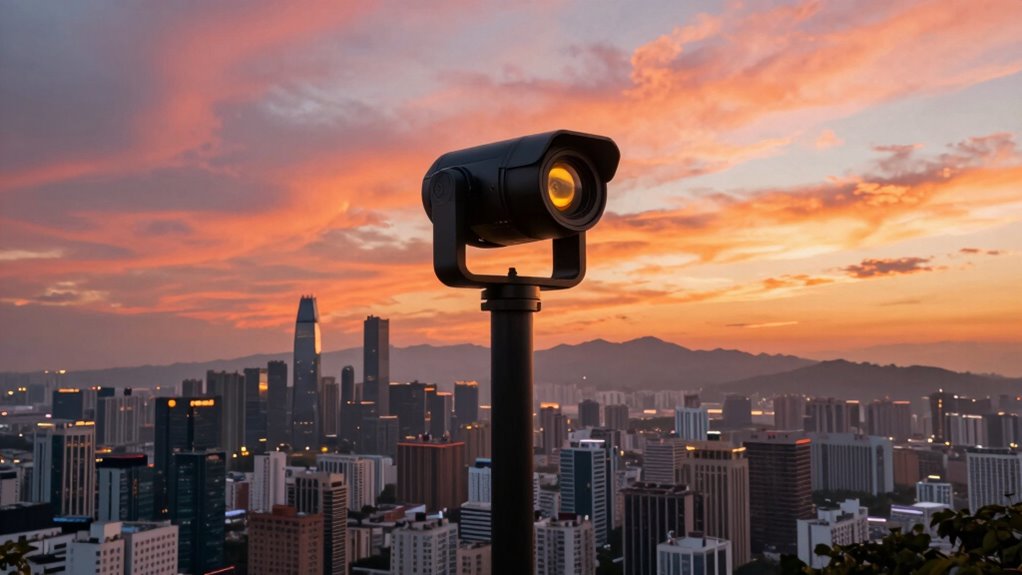

Your mounting height greatly impacts how your 360 footage looks and feels. If you mount too high, you risk losing foreground details and creating distance, making viewers feel less immersed. Mounting lower can create a more intimate, engaging scene but may limit angles. Proper alignment and stabilization at any height guarantee your shots are smooth and professional. Keep exploring to discover how adjusting your camera height can transform your scene and boost viewer experience.

Get business pricing on garage and car supplies
- Business-only prices and quantity discounts
- Tax-exempt purchasing
- Multiple users, one account, clear invoices
Key Takeaways
- Mounting height affects scene immersion, with lower positions creating a more engaging and intimate viewer experience.
- Proper camera alignment and level horizon are crucial for a natural, professional-looking 360 shot.
- Stabilization tools like tripods and gimbals are essential, especially at higher mounting heights prone to movement.
- Higher mounts may introduce wind or vibrations, requiring stronger stabilization for clear footage.
- Optimizing camera height and positioning enhances scene realism and overall visual impact.

When it comes to capturing the perfect 360-degree shot, the mounting height of your camera can make all the difference. The height at which you position your camera influences how viewers experience the scene, affecting both the composition and the overall immersion. If you mount your camera too high, you risk losing important foreground details, making the shot feel distant or detached. Conversely, a lower mounting height can create a more intimate perspective, drawing viewers into the scene. However, this isn’t just about aesthetics—your camera’s orientation plays a critical role too. Properly aligning the camera ensures that the horizon remains level and that key elements stay in focus, helping to deliver a seamless, natural look. Adjusting the camera’s orientation during setup and capture can prevent unwanted tilts or skewed perspectives that disrupt the viewer’s experience. Additionally, understanding the technology reviews of different stabilization tools can help you choose the best setup for your shooting environment.
Stabilization techniques are equally essential when mounting a 360 camera, especially at varying heights. If your camera isn’t stable, even the best shot can become shaky or disorienting, breaking the immersive quality that 360-degree photography offers. Using tripods, mounts, or gimbals can help keep the camera steady, regardless of height. When mounting higher, a sturdy tripod with a fluid head allows smooth adjustments and minimizes vibrations. For lower mounts, consider stabilization rigs that absorb minor movements or vibrations, ensuring your footage remains crisp and professional. Remember, the goal is to create a balanced shot with minimal wobble, so viewers can focus on the scene without distraction. Exploring stabilization techniques applicable to different heights can further enhance your footage quality.
Your choice of mounting height also impacts how well your stabilization techniques work. Higher positions may introduce more wind or movement, requiring more robust stabilization. Lower mounts are often more stable but may limit your angle options. Experimenting with different heights and stabilization methods helps you find the sweet spot for each scene, ensuring your footage looks polished and immersive. Keep in mind that the camera’s orientation should be aligned with your scene’s focal point; a slight tilt or misalignment can distort the viewer’s sense of space. Fine-tuning both your camera’s height and orientation, along with effective stabilization, transforms simple shots into captivating, seamless 360 experiences that truly look incredible.
360 camera tripod with fluid head
As an affiliate, we earn on qualifying purchases.
As an affiliate, we earn on qualifying purchases.
Frequently Asked Questions
How Does Mounting Height Affect 360 Camera Image Distortion?
Mounting height greatly impacts your 360 camera’s image distortion, affecting camera calibration and image stitching. When mounted high, you might notice more pronounced distortion at the edges, making calibration trickier. Lower mounting reduces distortion, resulting in smoother stitching. You need to adjust your calibration settings based on the height to guarantee seamless images. Properly accounting for mounting height helps you achieve accurate stitching and minimizes distortion in your final 360-degree view.
What Is the Optimal Height for Mounting a 360 Camera?
You should mount your 360 camera at a height of around 5 to 6 feet for the best results. This height minimizes distortion and provides a natural perspective. Use camera accessories like sturdy mounts and proper mounting techniques to secure it firmly. By choosing the right height and accessories, you guarantee clear, immersive shots while reducing distortion and achieving professional-quality panoramas.
Can Mounting Height Influence Camera Stability or Shake?
Mounting height can definitely affect camera stability and shake. When you place your camera too high or unevenly, environmental factors like wind or vibrations from nearby activity can cause instability. Proper camera placement minimizes these issues, ensuring steady shots. Keep the mount secure and at an ideal height to reduce shake. Consistent mounting height helps your camera resist environmental factors, delivering clearer, more stable 360-degree footage for your projects.
How Does Height Impact the Field of View in 360 Videos?
Mounting height directly impacts your panoramic perspective and visual immersion in 360 videos. When you mount the camera higher, it broadens the field of view, capturing more of the surroundings, which enhances the immersive experience. Conversely, a lower mount narrows the perspective, making viewers feel more grounded. Adjusting the height allows you to control how much environment you include, shaping the overall sense of depth and engagement in your footage.
Are There Specific Mounting Height Recommendations for Different Environments?
For outdoor settings, you should mount your camera at a height that balances a broad field of view with stability. Typically, around 6 to 8 feet works well for capturing wide areas without distortion. In more specific environments, adjust height based on the scene—higher for panoramic landscapes, lower for detailed close-ups. Proper camera placement guarantees ideal coverage and minimizes obstructions, making your 360 videos more immersive.
Conclusion
When it comes to 360 cameras, the saying “you get what you pay for” rings true—mounting height can make or break your shot. Don’t overlook the importance of positioning; a small change can have a big impact on your footage’s quality. Keep experimenting with different heights until you find that perfect spot. Remember, it’s all about perspective—sometimes, a little adjustment is all you need to see the world in a new light.
Halloween Picks
halloween
As an affiliate, we earn on qualifying purchases.